
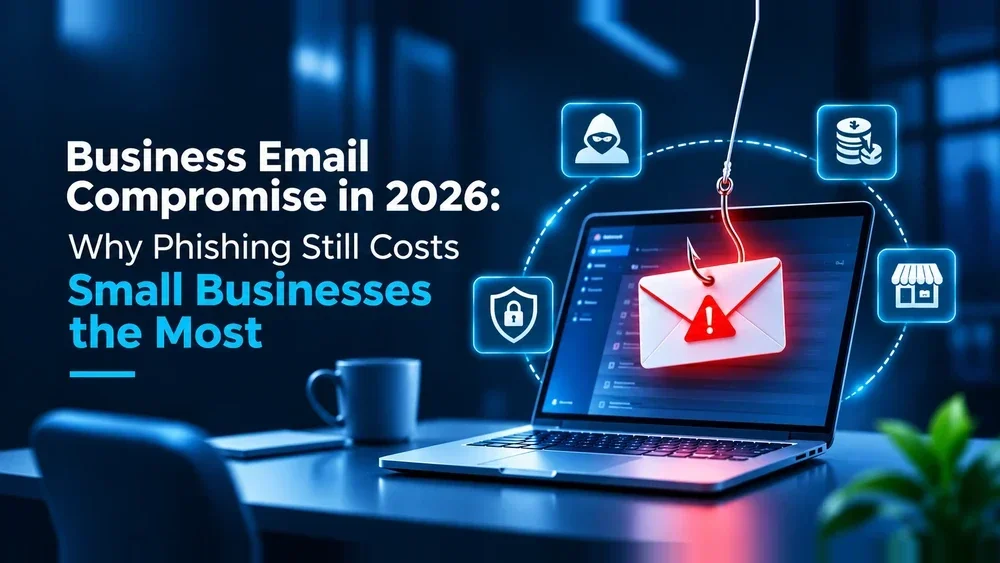
Business Email Compromise in 2026: Why Phishing Still Costs Small Businesses the Most
Cybercrime losses reported to the FBI’s Internet Crime Complaint Center (IC3) hit a record $17.6 billion in 2025 — and business email compromise (BEC) alone accounted for more than $3 billion of it, the second-largest loss category behind investment fraud. For a Turlock-area business, that’s not an abstract number. It’s the invoice your bookkeeper almost paid to the wrong account, or the “urgent” email from “the owner” asking someone to buy gift cards before lunch.
Business email compromise isn’t a new threat, but it’s evolved past the obviously fake emails most people picture when they hear “phishing.” Here’s what it actually looks like today, why small businesses keep absorbing the cost, and what stops it.
What Business Email Compromise Actually Is
Generic phishing casts a wide net — the same malicious link blasted to thousands of inboxes, hoping someone clicks. Business email compromise is narrower and far more convincing: an attacker either spoofs or actually compromises a real email account (often a vendor, executive, or your own CFO’s inbox) and uses it to request a wire transfer, redirect a payroll deposit, or push a fraudulent invoice through your normal approval process. There’s rarely a malware attachment to flag — just a believable email arriving at a believable moment, like the week you’re closing a big vendor contract.
That’s what makes it expensive. The FBI’s IC3 data shows nearly $8.5 billion in business email compromise losses reported between 2022 and 2024 alone, with the average organization that gets hit never fully recovering the funds once a wire goes out.
Why Small Businesses Keep Getting Hit
Attackers don’t need a Fortune 500 target — they need an unprotected inbox and a predictable approval workflow, which is exactly the setup that makes business email compromise so effective against small businesses. The 2026 Verizon Data Breach Investigations Report found that unpatched software and weak access controls, not just careless clicking, are now the top way attackers get in — which tracks with what we see locally in our own cyber security assessments: businesses running on a single shared inbox password, no email authentication, and no second factor on financial approvals.
Five Business Email Compromise Scripts We See Most Often
- CEO/executive fraud — an urgent email appearing to come from ownership, asking for a wire transfer or gift cards, timed for when the real executive is traveling or unreachable.
- Vendor invoice fraud — a familiar supplier’s email account is compromised, and the next invoice arrives with “updated” bank details.
- Payroll diversion — someone impersonating an employee asks HR to update direct-deposit information before a pay run.
- Attorney/closing impersonation — common in real estate and legal-adjacent transactions, where wire instructions are swapped at the last moment.
- Internal account takeover — rather than spoofing, the attacker has actually gotten into a real mailbox (often via a reused or phished password) and watches silently before striking.
Why It’s Getting Harder to Spot
The grammar mistakes and obviously wrong sender addresses that used to give a business email compromise attempt away are disappearing. AI-generated phishing emails now carry a 54% click rate compared to roughly 12% for traditionally written attempts, according to industry phishing research — and what used to take a skilled attacker about 16 hours to draft convincingly now takes an AI system roughly 5 minutes. The volume and quality of attempts are both climbing at once, which is exactly why relying on employees to “just spot the fake” stops being a viable strategy on its own.
What Cyber Insurers and Compliance Standards Now Expect
Insurers tightened business email compromise requirements significantly over the past two renewal cycles. Multi-factor authentication (MFA) on email and financial systems, documented dual-approval for wire transfers, and email authentication (SPF, DKIM, DMARC) are now baseline expectations for binding or renewing a policy — not optional add-ons. We cover what MFA actually stops and how to roll it out without disrupting your team in our Password Managers + MFA guide.
The Technical Controls That Actually Stop BEC
- MFA on every email and financial account — this alone blocks the vast majority of account-takeover attempts, even when a password is already compromised.
- Email authentication (SPF/DKIM/DMARC) — makes it far harder for an attacker to spoof your domain convincingly.
- A documented dual-approval process for any wire transfer or bank-detail change — no single email should ever authorize moving money.
- Reliable backups — business email compromise attempts often arrive alongside or ahead of ransomware; our Microsoft 365 Backup breakdown covers why Microsoft’s native retention isn’t the safety net most businesses assume it is.
- Managed monitoring that flags unusual mailbox rules or login locations before an attacker has time to act — part of what we set up through our managed IT services.
Training That Actually Moves the Needle
Untrained employees click phishing links at a 33.1% rate. With regular security awareness training, that drops to 4.1% — and organizations that run ongoing training reduce phishing susceptibility by over 40% in the first 90 days and up to 86% within a year. The point isn’t a single annual slideshow; it’s short, repeated exposure so the newest scripts stay recognizable even as they get more convincing.
If You Suspect a BEC Attempt Right Now
- Don’t click or reply — verify the request through a separate, known channel (call the person at a number you already have, not one in the email).
- If a transfer already went out, contact your bank immediately and ask about a recall or hold — speed matters more than anything else in the first hour.
- Report it to the FBI’s Internet Crime Complaint Center (IC3) and to your cyber insurance carrier if you have a policy.
- Change the affected account’s password and review mailbox rules — attackers often set up silent auto-forwarding rules to keep watching after the initial compromise.
Frequently Asked Questions
Q1: Is business email compromise covered by cyber insurance? Usually, but increasingly only if you meet the insurer’s security baseline — MFA, documented approval processes, and email authentication are now commonly required for BEC-specific coverage, not just general cyber coverage.
Q2: How is BEC different from “regular” phishing? Regular phishing is broad and often contains a malicious link or attachment. BEC is targeted, usually text-only, and relies on a believable request at a believable moment rather than malware.
Q3: Can antivirus software stop BEC attacks? Rarely on its own — most BEC emails have no malicious payload for antivirus to catch. MFA, email authentication, and approval processes do the actual work.
Q4: We’re a small business — are we really a likely target? Yes. Attackers favor small businesses precisely because approval processes are often informal and security controls are lighter than at larger companies, not because the payout per business is huge.
Q5: What’s the single highest-impact control we can add this month? Multi-factor authentication on email and financial accounts, paired with a rule that no wire transfer or bank-detail change is approved from an email request alone.
Get a Second Set of Eyes on Your Email Security
If you’re not sure whether your current setup would catch a convincing business email compromise attempt, our free cybersecurity audit covers exactly this — email authentication, MFA coverage, and approval workflows included. Contact VaultEdge IT to get started.